| | Kobo | Boox |
|---|
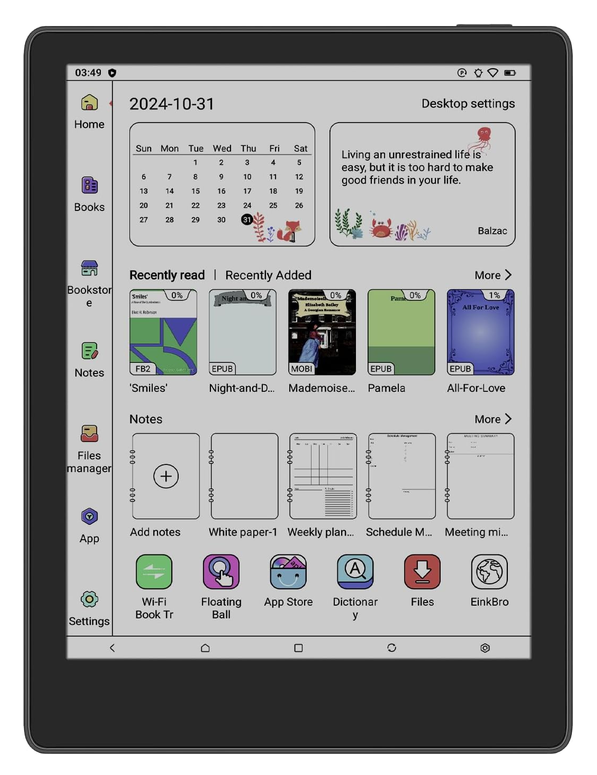
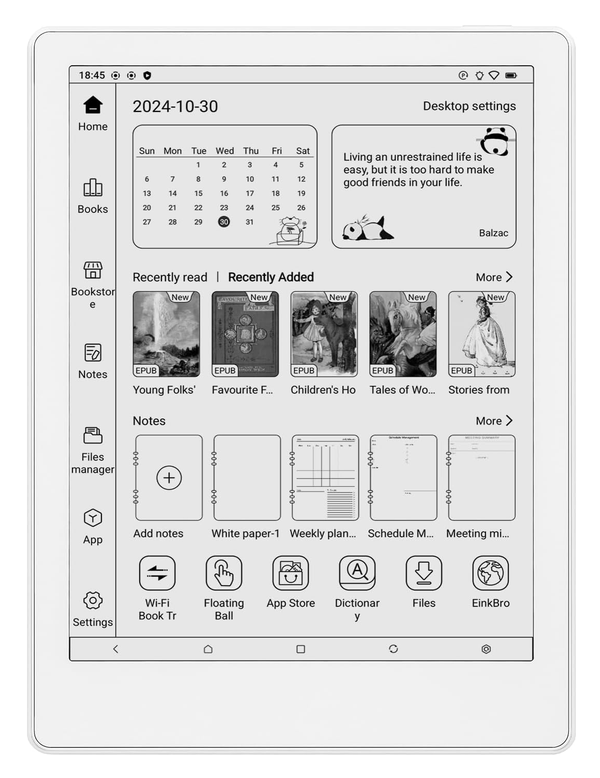
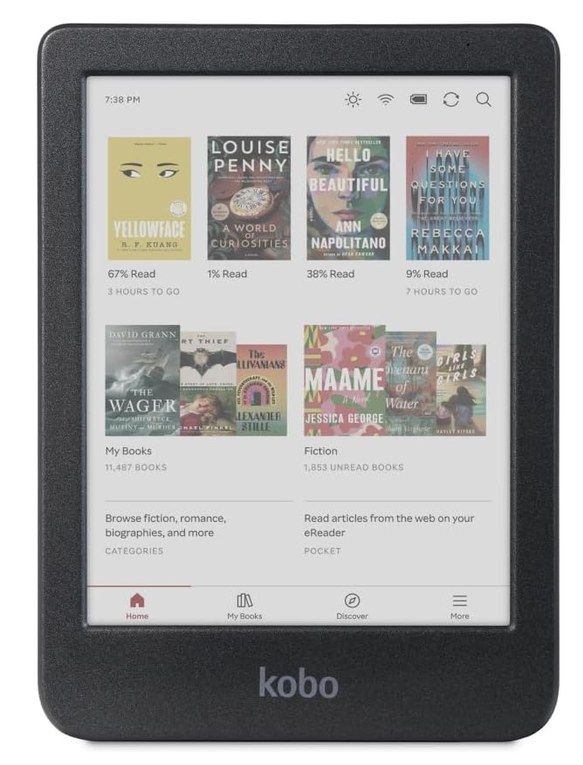
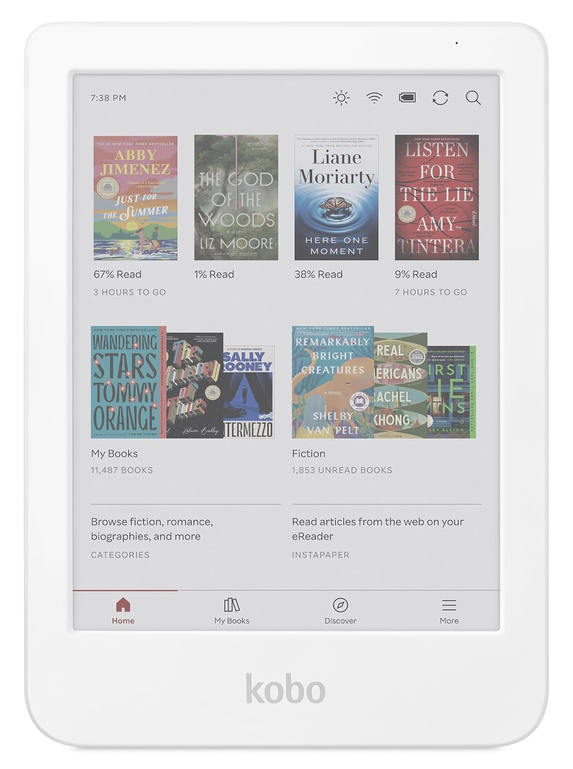
| What it fundamentally is | A dedicated reading device tied to Kobo's own bookstore and library-loan integration | A full Android tablet with Google Play access, running an E Ink screen |
|---|
| Company | Rakuten Kobo Inc. — wholly owned Rakuten (Japan) subsidiary since 2012 | Onyx International Inc. — China-based, founding date not published |
|---|
| Return window (brand's own store) | 45 days from date of purchase | 30 days from date of receipt — applies only to BOOX Shop purchases, not retailer purchases |
|---|
| Hardware warranty | 1 year (per Kobo's own "One (1) Year Limited Warranty" document) | 1 year US / 2 years EU (the EU figure is a legal minimum, not extra generosity) |
|---|
| App ecosystem | Kobo's own store plus OverDrive/Libby library loans; not designed for sideloading other reading apps | Open Android — install Kindle, Kobo, or Libby apps side by side on one device |
|---|
Two different products wearing the same "e-reader" label
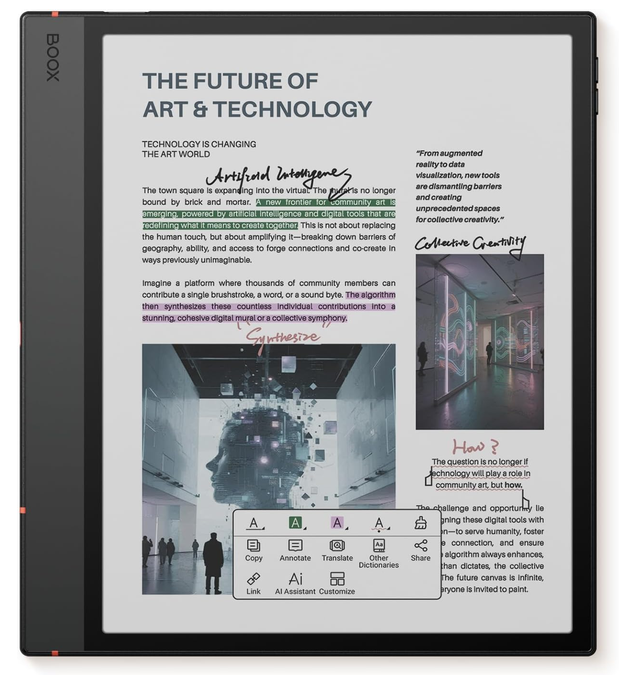
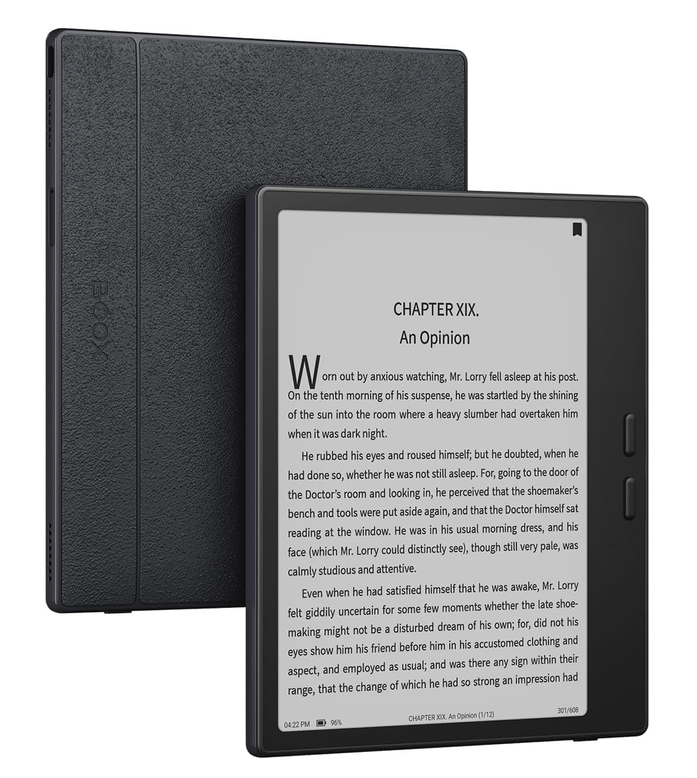
Kobo and Boox get compared constantly, but they're not really competing on the same axis. Kobo is a closed reading appliance — good at one thing, integrated tightly with one bookstore and one library-loan pipeline. Boox is a general-purpose Android tablet that happens to use an E Ink screen instead of LCD, which means it can run Kobo's own app, Kindle's app, or Libby side by side. If what you want is "the best possible way to read the same ebooks you already have," the platform question — one store vs. an open app layer — matters more than any spec in the table above.
The policy layer, honestly
Kobo's direct-purchase return window (45 days) is longer than Boox's (30 days), and Boox's own policy is far more itemized about fees on opened or scratched returns. But both of those policies describe a transaction — buying directly from the brand's own store — that isn't the one you'd be making through the links on this page. Buy through a retailer listing, and it's that retailer's return window that governs the return, for either brand. What's left as a genuine point of difference is the warranty: Kobo's flat 1 year everywhere, versus Boox's 1 year in the US and a legally-mandated 2 years in the EU.
Pick Kobo if
- You want one bookstore, one library-loan workflow, and nothing else to configure
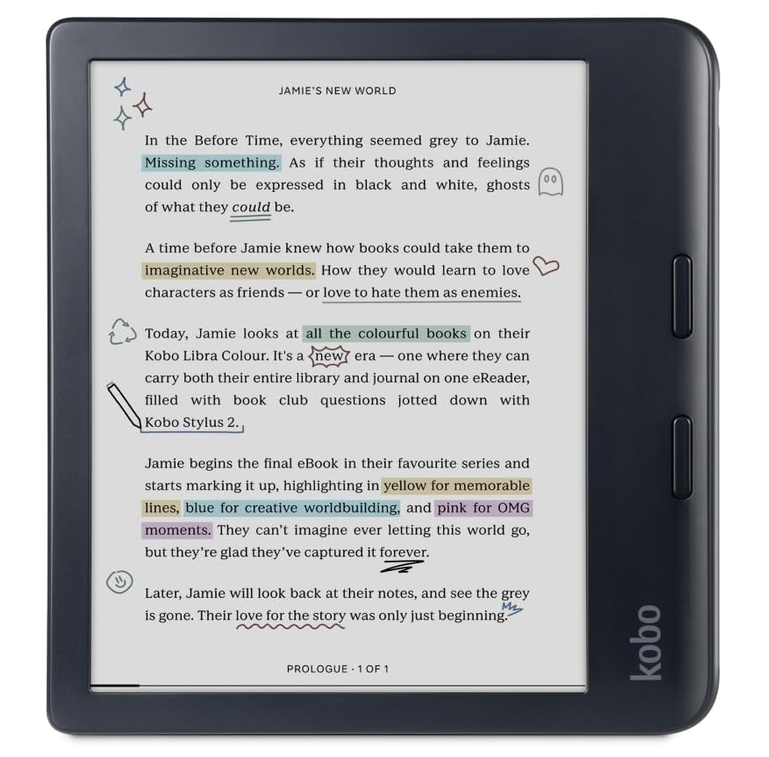
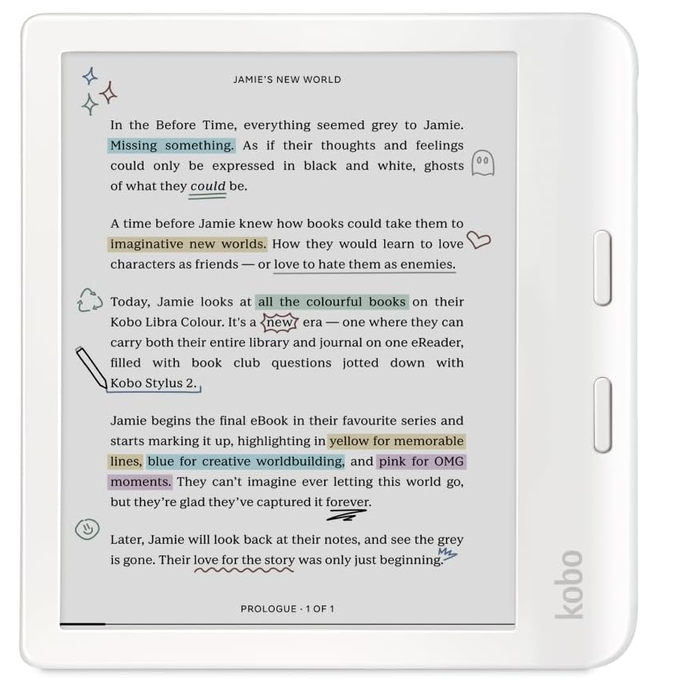
- You want a stylus option (Libra Colour) without needing Android's broader app surface
- You'd rather have a shorter warranty on a simpler, single-purpose device than a more complex one
Pick Boox if
- You want to run multiple reading apps — or non-reading apps — on the same device
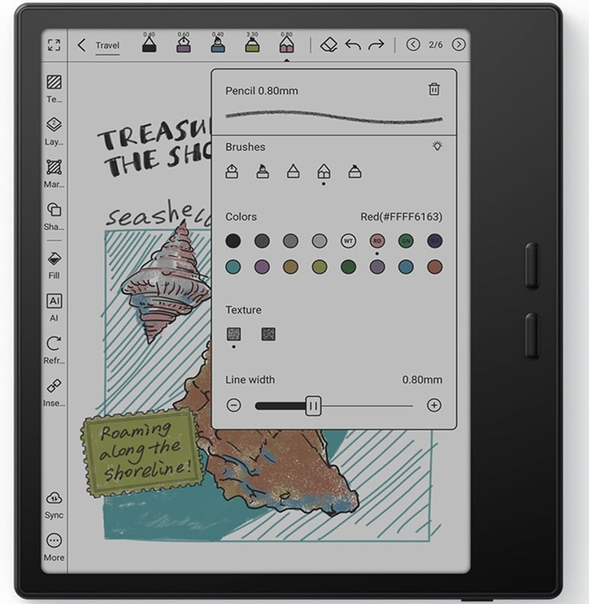
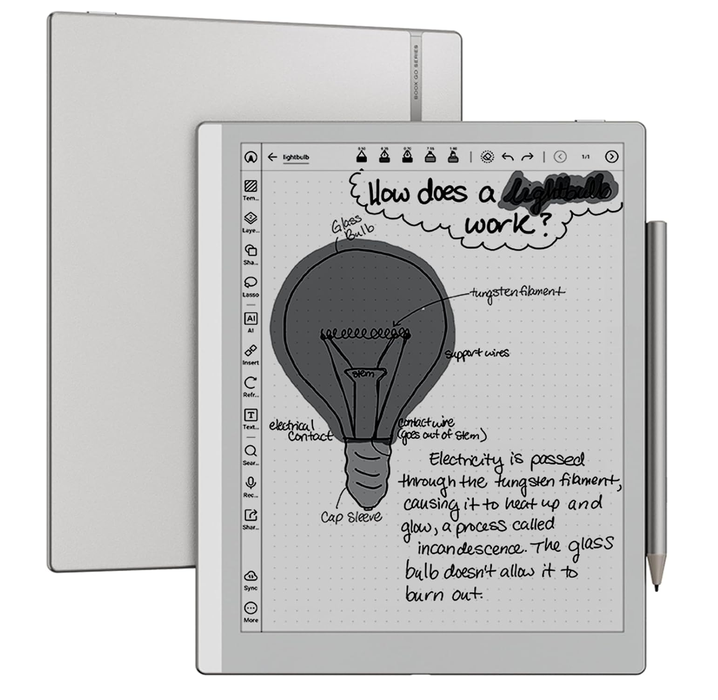
- You're comparing note-taking/annotation features across a wider size range (6" to 13.3")
- You're fine with a steeper setup in exchange for not being locked into one ecosystem
Common questions
Which one has the better return policy?
Neither, if you're buying through a retailer listing — that retailer's own return window applies either way, not Kobo's 45-day or Boox's 30-day figures, both of which describe purchases made directly through the brand's own store.
Is Boox harder to set up than Kobo?
We haven't tested either device hands-on, so we won't claim a specific difficulty level. What's documented is that Boox runs full Android with a file manager and app store, which is inherently more configurable — and more to configure — than Kobo's single-purpose reading interface.